

2026-09-15
Nural Choudhury
Digital accessibility is the practice of building products people can use, whatever their permanent, temporary, or situational disability, measured against a published standard rather than opinion.
This page treats it as conformance: WCAG structure, legal requirements, testing, and how to verify compliance. Inclusive design evolution covers practice beyond compliance, for readers who want the inclusive-design mindset rather than the conformance floor.
a working grasp of WCAG’s structure and levels, the exact contrast ratios and testing method an auditor checks, and the legal deadlines that make conformance a requirement rather than a preference.
any digital product a business must make accessible, and any product a designer wants to make usable regardless of that requirement.
test in production, not on the design system component. A pattern library can conform perfectly while the page built from it fails, because real content breaks assumptions a clean component never had to face.
The World Wide Web Consortium maintains WCAG as the technical definition of what accessible means in practice, organised around four principles known as POUR. Lawmakers in the European Union, the United States, and the United Kingdom did not write their own competing accessibility criteria. Instead, each pointed an existing law at this one standard, which is why a single set of guidelines carries legal weight across most of the markets a product ships into.
WCAG groups every success criterion under one of four principles.
| Principle | What it requires |
|---|---|
| Perceivable | Information and interface components must be presentable in a way every user can perceive, through sight, hearing, or an alternative for users who cannot use either |
| Operable | Interface components and navigation must work regardless of input method: mouse, keyboard, touch, voice, or assistive technology |
| Understandable | Content and interface behaviour must be comprehensible: predictable patterns, plain language, and clear feedback |
| Robust | Content must be interpreted reliably by current and future user agents, including assistive technology |
Within each principle, criteria sit at one of three conformance levels.
| Level | What it means | Who cites it |
|---|---|---|
| A | The minimum baseline. A failure here can block some users outright | Rarely cited alone |
| AA | Addresses the most common barriers and is achievable for most products | The level legislation and contracts cite |
| AAA | The highest level. Not every content type can meet every AAA criterion | Aspirational, not mandatory |
Build to WCAG 2.2 AA, published October 2023. It is the level the ADA, Section 508, and the European Accessibility Act all reference, and the level EN 301 549 V4.1.1 is confirmed as the EU harmonised standard.
Contrast and colour vision deficiency sit here because they are conformance requirements, not colour theory. Colour theory basics cover the wheel, schemes, and harmony instead, and colour systems cover specification and management.
| Level | Normal text | Large text | Graphics and UI components |
|---|---|---|---|
| AA | 4.5:1 | 3:1 | 3:1 |
| AAA | 7:1 | 4.5:1 | Not specified at AAA |
Approximately 8 per cent of men and 0.5 per cent of women have some form of colour vision deficiency. The two most common forms, deuteranomaly and protanomaly, both reduce sensitivity to red and green, which is why a red-green pairing for error and success states fails the largest share of colour-blind users.
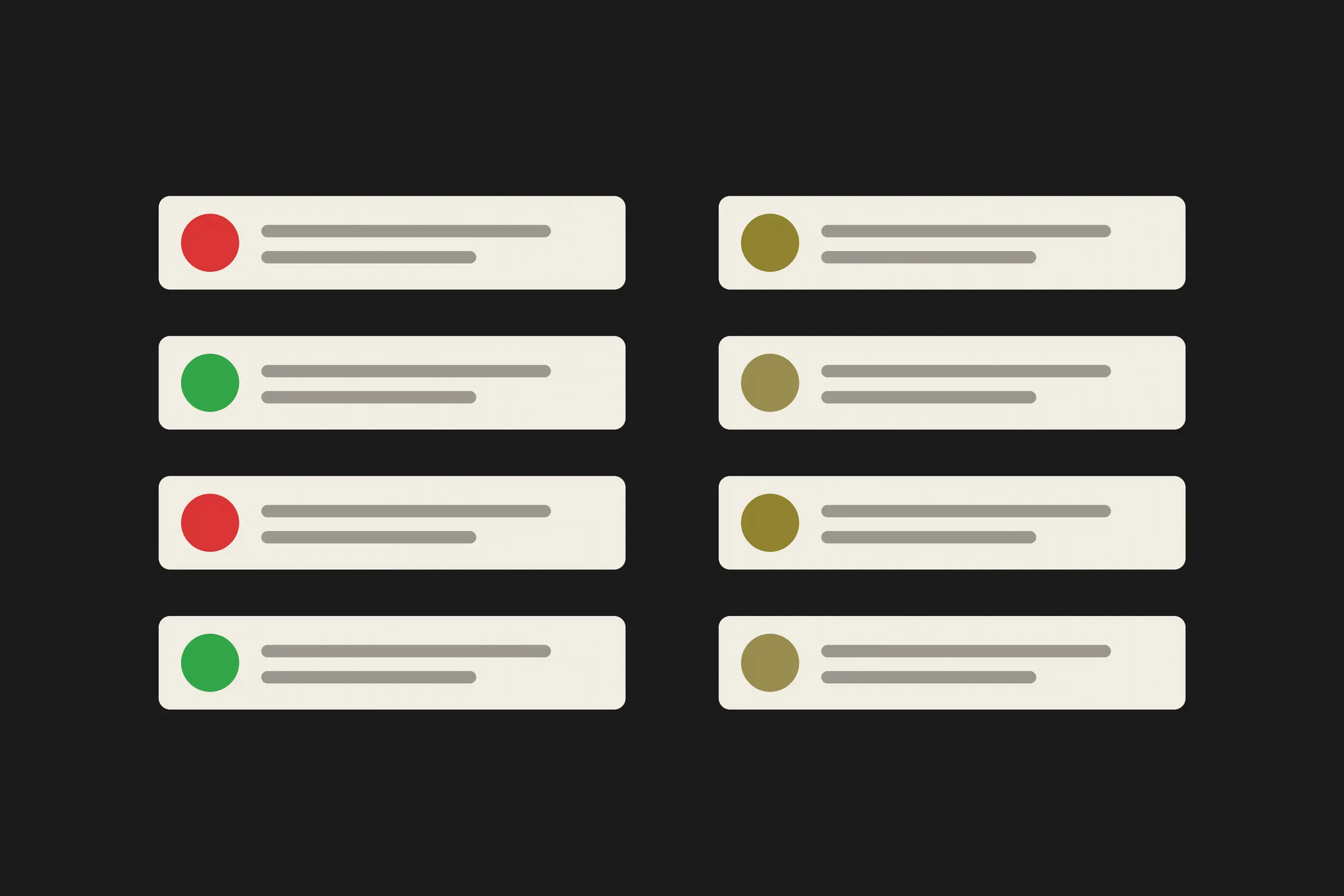
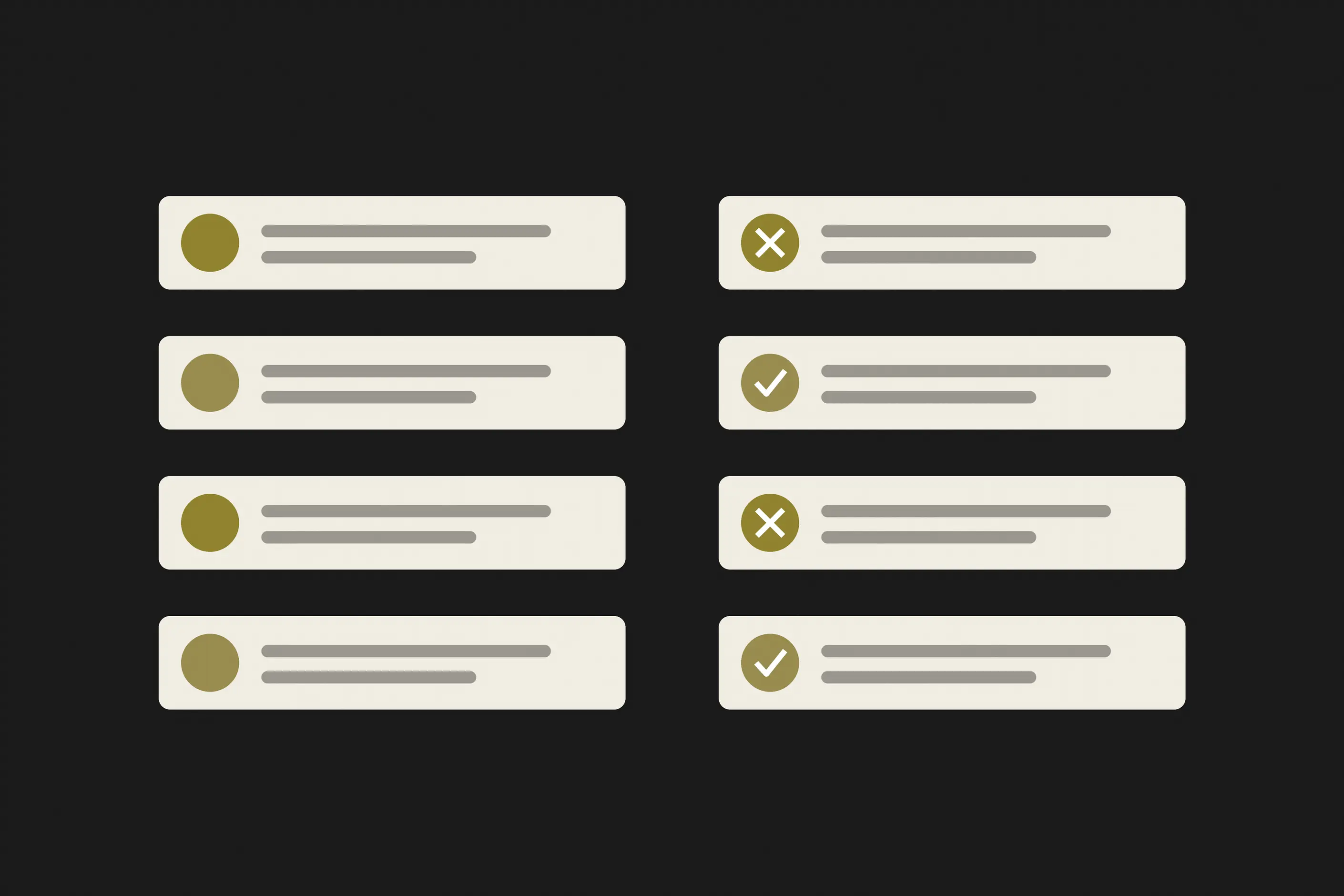
Never rely on colour alone to carry meaning. Pair a red error state with an icon or a text label, and differentiate chart lines by pattern as well as by hue. A design that still communicates in greyscale works for colour-blind users.
Conformance is a set of decisions made throughout a project, not a single audit at the end.
Build to WCAG 2.2 AA by default, not as a late fix before launch.
You must reach for semantic HTML first. Use a button element for a control that behaves like a button, and add ARIA roles and states only when native HTML doesn’t already provide the semantics you need.
You must set focus order and DOM order to match the reading order a screen reader will announce, not the order a visual layout happens to produce.
You must label every form input and tie every error message to the field it describes.
You must check contrast whenever you choose a colour in the palette, not after the interface ships. A post-launch fix touches every screen that used the colour. A fix before launch touches one decision.
Verification needs three passes, and no one of them covers what the other two catch.
| Method | What it catches | What it misses |
|---|---|---|
| Automated scan: Axe, WAVE, Lighthouse, Pa11y | Missing alt attributes, contrast failures, malformed markup, and other rule-based violations, fast and repeatable | Meaning, reading order, and anything that needs judgement rather than a rule |
| Manual testing: keyboard only, then a screen reader such as VoiceOver, NVDA, or JAWS | Real navigation and reading order, focus management, and whether a control behaves the way its markup claims | Whatever path you personally did not test |
| Testing with people who use assistive technology | Issues the first two passes cannot surface, because they test against a rule rather than a real task | Nothing. It extends the other two passes rather than replacing either |
Take captions on a product video. WCAG names this requirement directly, at Success Criterion 1.2.2: synchronised captions for prerecorded audio in video. An automated scan confirms a caption track exists and stops there. It cannot tell you whether the captions are synchronised, complete, or attributed to the right speaker. Only a manual review, someone watching the video with the captions on, confirms that.
I check captions in the state an automated tool cannot see: a video re-encoded after the captions were generated, where the track still exists but has drifted out of sync with the audio. The criterion reads as met and fails for the person watching it.
I have watched a team run an automated scan, clear every flagged issue, and call the product done. An automated tool catches rule violations. It does not catch a screen reader user who cannot tell what a custom dropdown is, because the scan has no way to test meaning.
I have watched a developer add an ARIA role of button to a div, when the fix that worked was to use a button element and delete the ARIA entirely. Native HTML carries keyboard behaviour, focus, and semantics for free. ARIA promises the same three things and delivers none unless you implement each one by hand.
I have watched keyboard focus order follow the visual layout of a page rather than its reading order, because the two matched by coincidence on every screen a developer happened to test and diverged on the first one nobody checked.
I call the last failure template conformance: an interface where the design system component passes every check and the page built from it fails, because the real heading someone typed is longer than the one the design tested, or a value is empty in production and the layout that assumed content collapses. Conformance is a property of what ships, not of what the template promised.
Which WCAG version do we build to in 2026? Build to WCAG 2.2 Level AA. EN 301 549 V4.1.1, published 2 September 2026, made it the EU harmonised standard, and the ADA and Section 508 both reference WCAG.
Does the European Accessibility Act apply to us if we are not a public body? Yes, in most cases. Directive (EU) 2019/882 has been enforceable since 28 June 2025 and reaches private services, including e-commerce.
Is anyone enforcing it? Yes. The first lawsuits were filed in France in November 2025, and in June 2026 a French court ordered Carrefour France to make its site and app accessible within six months, with fines for delay.
Does an accessibility statement protect us? Only if it is true on the day somebody looks. Conformance is a property of what is in production, not of what the design system said when the statement was signed.
How do we know our live code still matches the standard? Test per component in production, in the states nobody prompts for: empty, loading, error, expired session, no permission. That is where conformance fails.
| Item | Where it stands |
|---|---|
| Current WCAG version | WCAG 2.2, published October 2023. Level AA is the level legislation cites |
| WCAG 3.0 | W3C Working Draft, updated 3 March 2026, 174 requirements. Candidate Recommendation expected around Q4 2027, final no earlier than 2028 |
| EU harmonised standard | EN 301 549 V4.1.1, published by ETSI on 2 September 2026. It moves the standard to WCAG 2.2 AA and rewrites the Real-Time Text requirements |
| European Accessibility Act | Directive (EU) 2019/882, enforceable across the Union since 28 June 2025 |
| Enforcement in practice | First lawsuits filed in France in November 2025. In June 2026 a French court ordered Carrefour France to make its site and app accessible within six months, with fines for delay |
| United States | Section 508 and the ADA both reference WCAG. Section 508 updates are expected to trail WCAG 3.0 by one to three years |
| What to build to today | WCAG 2.2 AA. Bronze in the WCAG 3.0 draft is roughly equivalent, so 2.2 AA is the head start |

Inclusive design is the practice of designing for the full spectrum of human variation, whether permanent, temporary, or situational, rather than for an imagined average user with no constraints at all.
Read it
Colour theory is the study of how colours relate to each other on the wheel, across value, saturation, and temperature, and in combination so that you can reason through a decision rather than feel it.
Read it
Colour management is the discipline of specifying a colour precisely enough that a printer, a signage vendor and a web team can all reproduce it the same way, then documenting that specification.
Read it
Design systems architecture is the set of structural decisions that let a design system keep working as an organisation grows: how tokens layer, how components are organised and configured, and how the code that implements them is housed, built, and shipped.
Read it
An interface pattern is a solution to a recurring design problem, refined through enough use elsewhere that the person encountering it doesn’t have to figure out how to use it.
Read it